
Every week a parent, a player or a new junior family lands on your club website asking the same three things: who are we playing, where, and how did the seniors go on the weekend. If the answer is a PDF from March or a fixtures page that hasn’t moved since round two, they bounce to your Facebook or straight to the Dribl app. Your website should be the one place that always knows the answer.
You don’t have to update any of it by hand. In Australian football, your fixtures, results and ladder already live in a system that updates itself. This guide covers where that data sits, the realistic ways to get it onto a club fixtures and results website, and the setup traps that catch most committees.
Where your fixtures and results actually live
Before you touch your website, it helps to know which platform owns which job, because clubs mix these up constantly.
- Dribl is the match platform most state federations now run on. Football Victoria publishes 2026 fixtures and results through Dribl, and it holds your draw, live scores on matchday, full results and the ladder. There is a public Dribl Match Centre and a Dribl app, so the data is already out there and current.
- PlayFootball is Football Australia’s registration system. It’s where families sign up and pay, and where your player records sit. It is not a live scoreboard, so it isn’t the source you point a fixtures page at.
- Football Victoria (or your state federation) sits on top, publishing competition fixtures and results that pull from Dribl.
The short version: your live match data comes from Dribl, registrations come from PlayFootball, and your job is to surface the Dribl data on your own site so people stop leaving to find it.
The three realistic ways to show it on your site
There’s no single “correct” method. Pick the one that matches your budget and how much you want your website to feel like yours rather than a redirect.
1. Link out to your Dribl Match Centre. This is the lowest-effort option. You find your club’s page in the public Dribl Match Centre and add a button on your site that sends people there. It’s always current because it’s Dribl’s own page, but you’re handing your visitor to another platform, and every click away from your site is a chance to lose them.
2. Embed the match centre. Most modern club websites can drop in an embed using a Custom HTML block and an iframe, the same way you’d embed a video or a map. Done well, your fixtures and results sit inside your own page rather than on someone else’s. This keeps people on your site and still updates automatically, though the embedded look won’t always match your club colours and fonts.
3. Pull the data natively into your website. This is the proper version. Instead of framing another page, the fixtures, results and ladder are read from the source and rebuilt inside your own site design, in your kit colours, with your crest, sitting under a matchday band up the top. It’s how a page ends up looking like it was built for your club rather than borrowed. It needs a build, but once it’s set it runs itself.
What “live” actually means, and the manual-update trap
The reason to bother with any of this is simple: manual updates always fail. Someone on the committee volunteers to keep the fixtures page current, does it well for a month, then pre-season admin swallows them and the page freezes. By July it’s wrong, and a wrong fixtures page is worse than no page, because people stop trusting the whole site.
“Live” means the page reads from Dribl and reflects reality without anyone logging in. A result entered after Saturday’s game shows up on its own. A washed-out round gets rescheduled and your fixtures follow. The ladder shifts over the weekend and your page shifts with it, with no spreadsheet, no PDF re-upload, and no reminder in the committee group chat that never gets actioned.
If you take one thing from this, it’s that the fixtures and results page should be the part of your website that needs the least attention, not the most.
The ladder, next game and results: what to actually show
A good fixtures and results section isn’t a wall of every game across every grade. It answers questions in order of how often they’re asked.
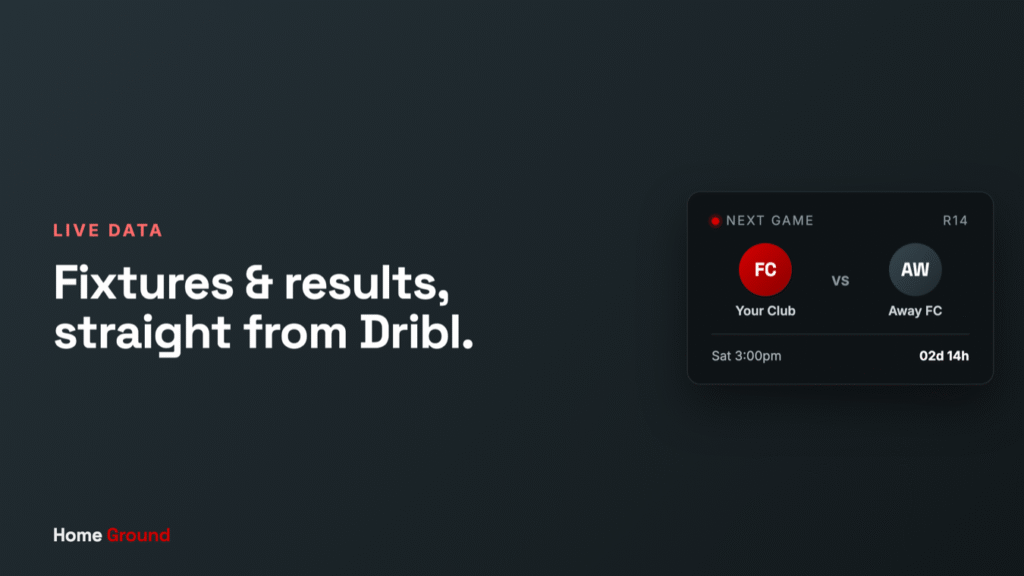
- Next game up top. Opponent, date, time, ground and grade. This is the single most-clicked piece of information on any club site, so it belongs above the fold, ideally as a band that follows people around the site on matchday.
- Recent results. The weekend just gone, seniors and juniors, so families and supporters can catch up in one glance.
- The ladder. Where your senior men’s and women’s teams sit. It drives return visits all season, because people check it obsessively once the pointy end arrives.
- Full fixtures by team. Deeper down for the parent who wants their under-12s’ whole draw. Let them filter to their team rather than scrolling everyone’s.
Show the top three prominently and let the detail live one tap away. A page that tries to show everything at once shows nothing clearly.
Getting it set up without a developer on the committee
Most clubs don’t have a web person, and the ones who do usually have a volunteer who’s stretched thin. Here’s the honest read on each path.
If you’re on a basic website builder, linking out to Dribl takes ten minutes and needs no skills. Embedding is a step up and doable if someone’s comfortable pasting an iframe into a Custom HTML block, and worth testing on a phone because most of your traffic is mobile. The native pull is the one you can’t really DIY, because it involves reading the data source and rebuilding it in your site’s design, but it’s also the version that makes your website feel like a proper club platform instead of a link farm.
Whichever way you go, check it on a phone, check it mid-season when a game gets rescheduled, and make sure the next game and ladder are the first things a visitor sees.
If the whole thing feels like more than your committee has time for, that’s the gap we built Home Ground to close. It’s a done-for-you football club website with your fixtures, results and ladder pulled live from Dribl, wrapped in your colours and crest, with a matchday band up top, and we host it and keep it current so no volunteer has to. Have a look at your own club’s data running inside it before you decide anything. Book a look and we’ll show you.
FAQ
Can I embed Dribl fixtures and results on my club website? In most cases yes. Because Dribl publishes a public Match Centre, clubs commonly surface it on their own site either by linking to it, embedding it through a Custom HTML block, or having the data pulled natively into the site design. The embed and native options keep visitors on your website instead of sending them to another app.
Does PlayFootball show fixtures and results? PlayFootball is Football Australia’s registration platform, so it’s where families sign up and pay, not where live scores and the ladder live. Your fixtures, results and ladder come from Dribl, which is the match platform your state federation runs. Point your fixtures page at Dribl, and use PlayFootball links for registration.
How do I keep the ladder and results up to date automatically? Don’t update them by hand. If your page reads from Dribl, results and the ladder refresh on their own as games are played and scores are entered, with no committee member logging in. Manual fixtures pages almost always go stale by mid-season, which is exactly what you’re trying to avoid.
What’s the difference between Dribl and PlayFootball? Dribl handles the football itself: draws, live matchday scores, results and ladders. PlayFootball handles registration: player sign-ups, payments and records. Different jobs, different systems. For a website fixtures and results page, Dribl is the source you care about.
Do I need a developer to add fixtures to our website? Not for the simplest options. Linking out to Dribl needs no technical skill, and embedding is achievable if someone’s comfortable pasting an iframe. Pulling the data natively into a branded page is the version that usually needs a build, which is where a done-for-you setup earns its keep.